Key points
- A scan viewer on a website either reads your files inside the browser tab or sends them to a server. The Network panel built into desktop browsers lists the requests a page makes, so you can see which one it does.
- In a study of 29 people who had head CT scans, face-recognition software matched 27.5% of the 3D face reconstructions to the right photograph, so a scan with the name removed can still show who you are.
- On this site the public pages send one small anonymous count per page view. Inside the viewer, counts are off until you switch them on in Settings, and no setting sends file names, sizes, measurements or DICOM tags.
Start by checking whether the website sends your scan files to a server or reads them inside your browser tab. You can find out for any viewer, in a few minutes, with the Network panel that desktop browsers include. This article shows how, using Jaw Viewer as the worked example.
Why is a scan worth asking about?#
Under the EU's GDPR, data concerning health belongs to the special categories of personal data. Processing it is prohibited unless one of the listed exceptions applies, such as explicit consent from the person.[1] A scan is health data twice over: it is an image of your body and it carries your details.
Those details sit in the file header. The DICOM standard has a confidentiality profile that describes how to protect or replace attributes in a file, for exactly this reason: attributes in the header can identify a person.[2] Our article on what is inside a DICOM file shows where they are.
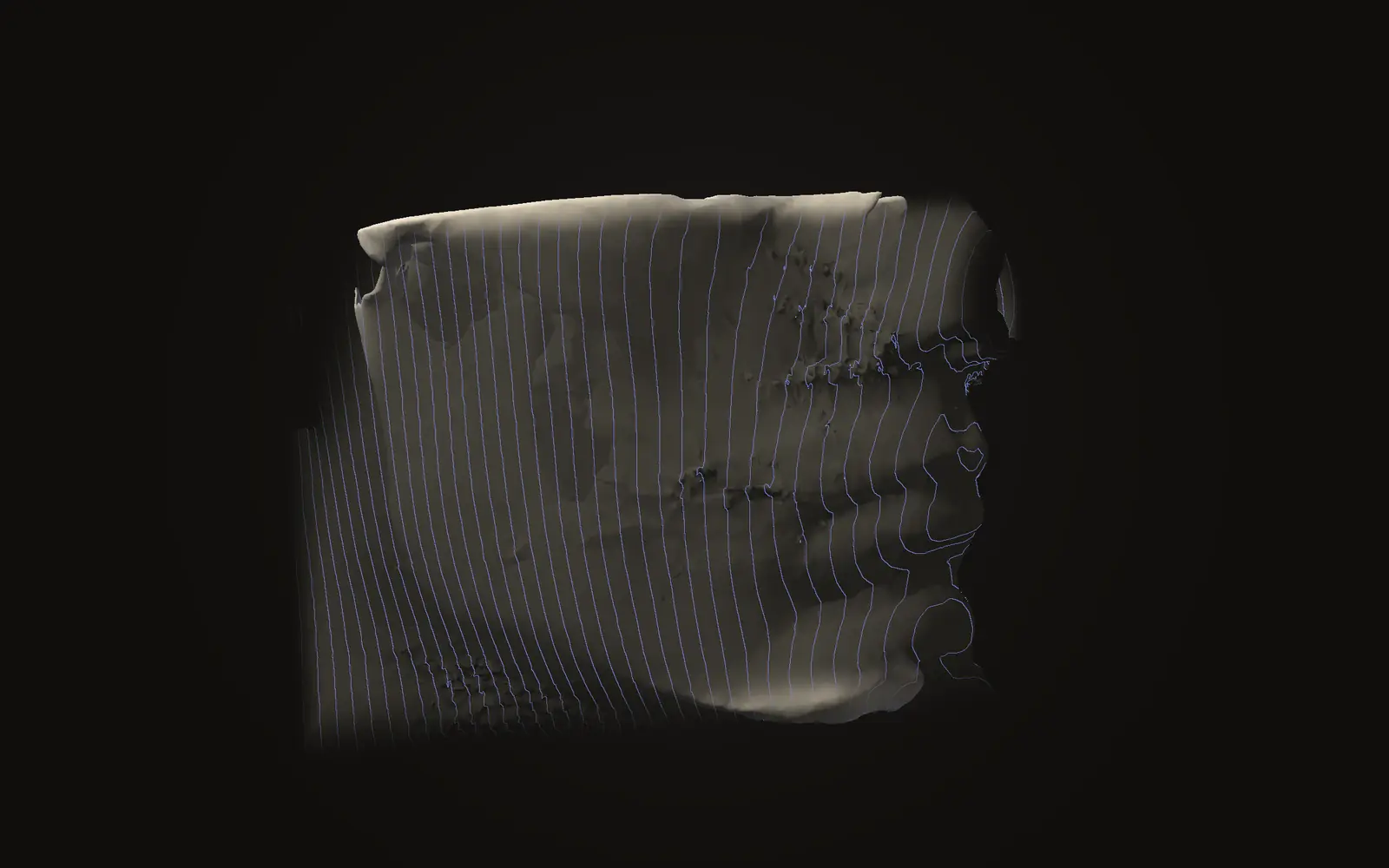
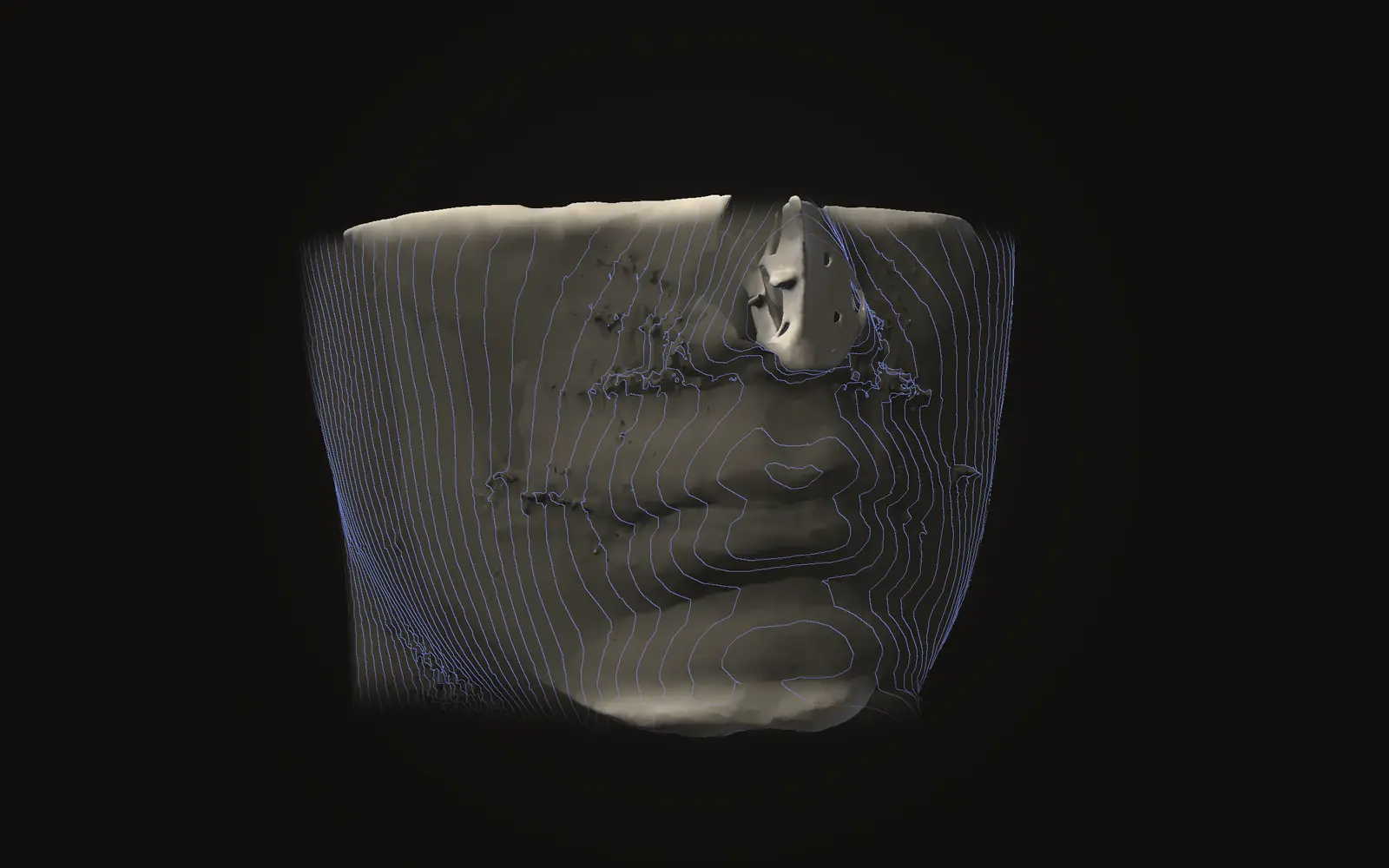
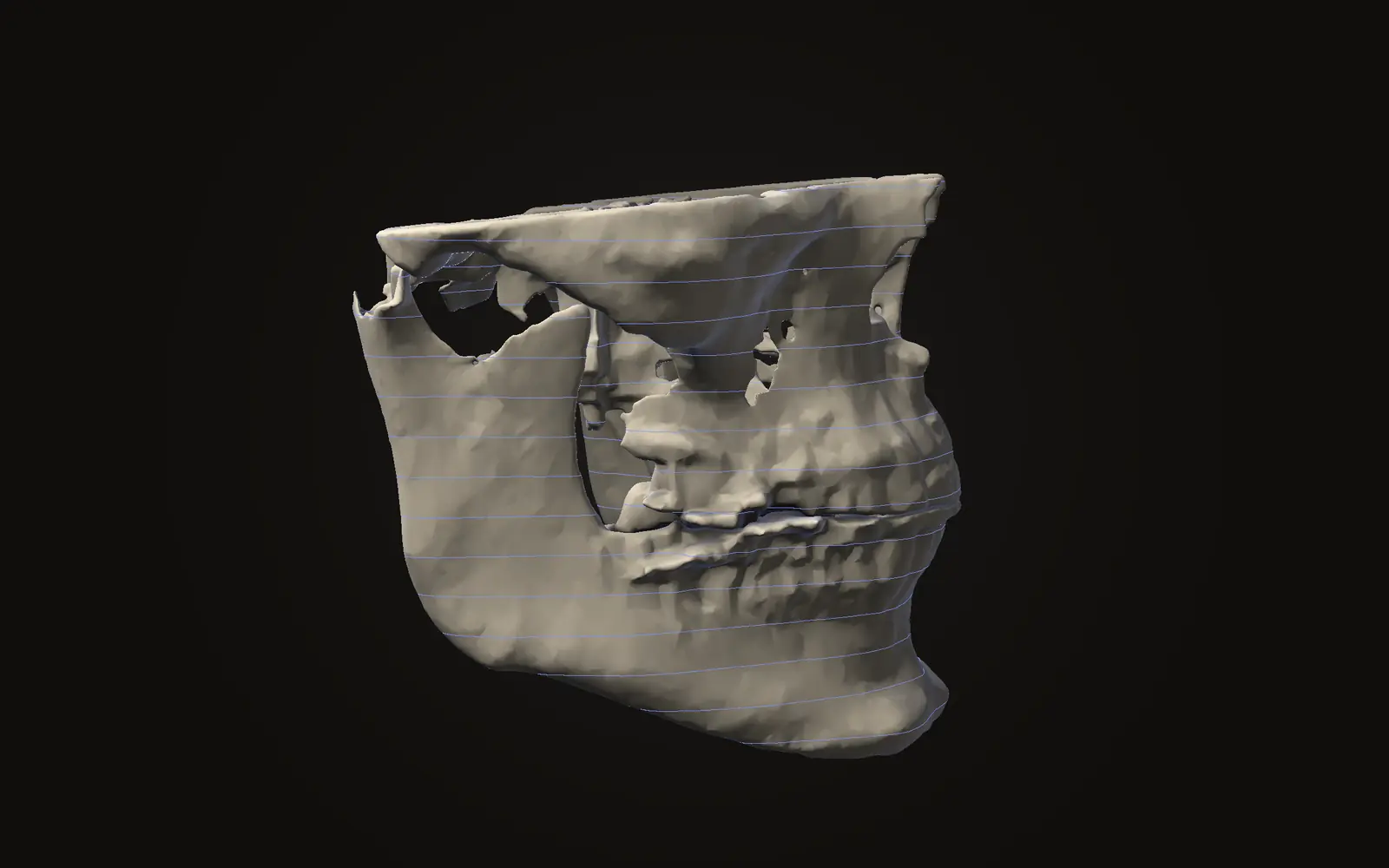
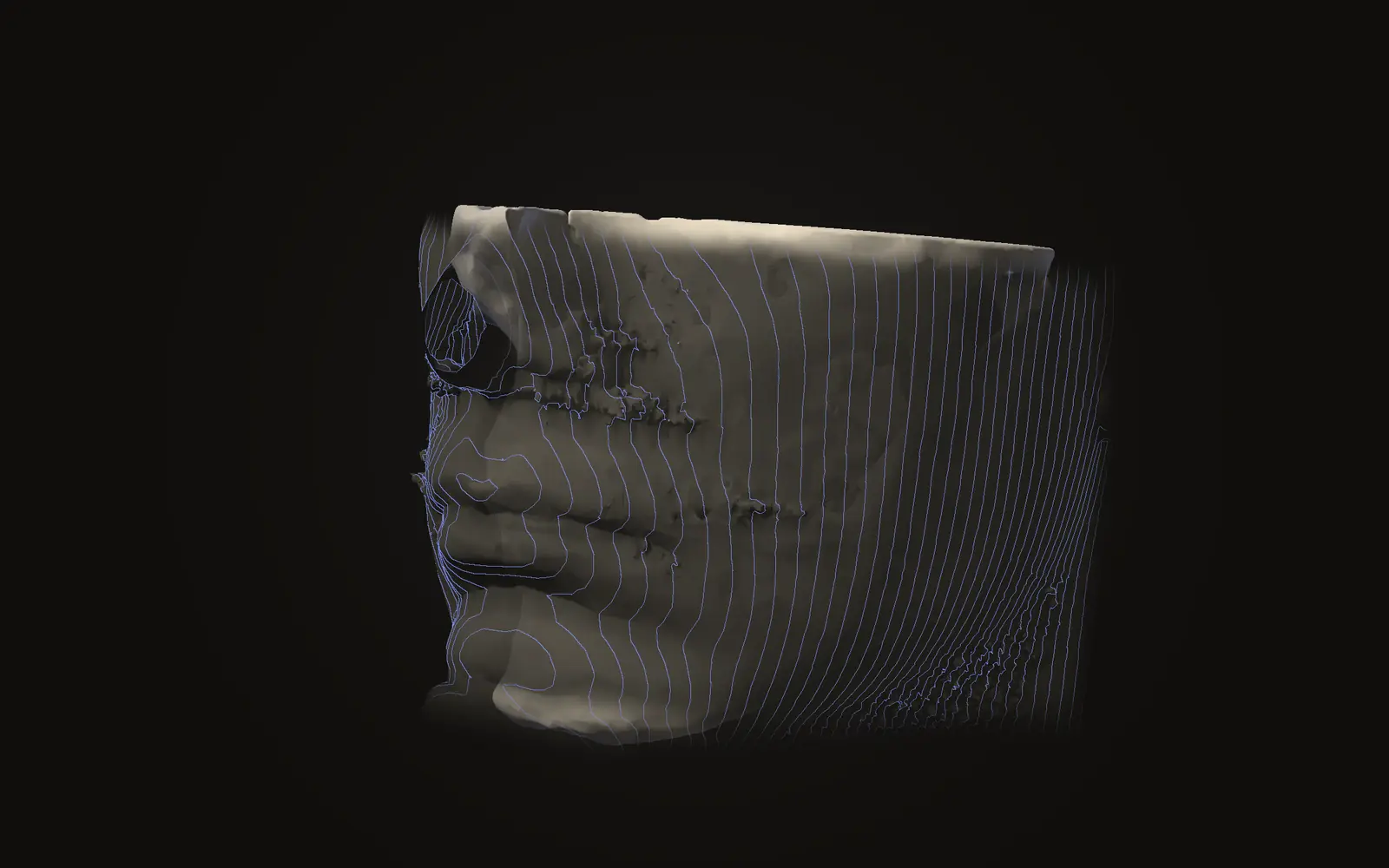
Removing the header does not remove the face. In one prospective study, 29 people had a CT scan of the head and a photograph taken. Software then tried to match the 3D face surface rebuilt from each scan to the photographs. It matched 27.5% correctly and recognised 96.6% of the reconstructions as a face.[3] The study used CT and software from 2012, and a CBCT scan of the head can be rendered as a 3D face too (our inference). The article on your face in your scan goes further into this.
How can a viewer website work?#
There are two designs. In the first, you send the files to a server, which builds the images and sends pictures back. Your scan then exists on a computer you do not control, for as long as its owner decides.
In the second, the page downloads its program once and your browser does the work. The files are opened with the file picker or by dragging them in, and they are read from your disk into the tab's memory. Nothing has to leave.
Both can look the same on screen, but the browser’s own tools show the difference in network traffic. The Chrome documentation describes the Network panel as the place to make sure resources are downloaded or uploaded as expected.[4]
How do you check a viewer yourself?#
These steps work on any viewer website. Try them first with a sample scan or a test file, not your own, if you are unsure about a site.
Open the viewer page, but load no scan yet
Use a desktop browser.
Open the network tool
In Firefox press Ctrl+Shift+E (Cmd+Opt+E on a Mac). The Network Monitor lists the HTTP requests the page makes.[5] In Chrome and Edge, open the browser menu, choose the developer tools and pick the Network tab.
Clear the list and leave the tool open
Firefox records requests any time the developer tools are open, even when another tab of the tools is showing.[5] The first load of a page always shows many requests, because the page fetches its own program. Clear the list so only new requests appear.
Load a scan
Pick the files or drop a folder in, the way you normally would.
Read what appeared
Keep watching while you use the viewer
Measure, rotate and save. A site that holds back until you press a button would show its request only then.
If the list stays empty, or shows only short requests whose content has nothing to do with your scan, the files were read locally. If a request appears as large as the scan, or many appear while it loads and the destination is a server, the files are being uploaded.
What does the check not show?#
The panel lists requests the page makes in that tab. It does not show what other programs on your computer do with the files, and it only covers the time it was open. A site can change its code tomorrow, so the check describes a session, not a promise.
Some sites upload on purpose, for example a clinic's own portal. For those sites, check who runs the service and who may see the files. The privacy policy should answer both questions. For sending a scan to another clinician without a third-party service, see sharing a scan for a second opinion.
Worked example: what you see on this site#
Jaw Viewer reads scans in the browser tab. The site has one small piece of server code, a counting function at /api/event, and it has no endpoint that accepts files. You can confirm that with the steps above. The privacy page describes the mechanism.
| Where you are | What the Network panel shows | What the request holds |
|---|---|---|
| Public pages and articles | The site's own files, plus one small POST to /api/event per page view | Page path, a coarse referrer class (search engine, social, none), your two-letter country and browser family |
| In the viewer, scan loaded, counts off (the default) | No request carries the scan. Nothing goes to /api/event | Nothing |
| In the viewer, counts switched on | Small POSTs to /api/event | An event name from a fixed list: viewer opened, scan imported (1, 2 or 3+), workspace, tool, export kind |
| Any page | No requests to other origins | Nothing |
Click one of the /api/event requests and read its content. It is a short message with an event name and at most one or two values. The server accepts only a fixed list and rejects free text. File names, file sizes, scan dimensions, measurements, landmark positions and DICOM tags are never sent, because there is no field for them. IP addresses, cookies and device identifiers are not stored in the counts. Rows are kept for three months. The full list is in the privacy policy.
Browsers that send Global Privacy Control or Do Not Track get no counts on any page. In the viewer, the switch is called "Share anonymous usage counts" in Settings. The site is hosted on Cloudflare, which keeps its own request logs under its own policy, as any web host does.
To run the check here, open the viewer with the network tool open, then load a folder as the opening guide describes.
Is it safe to upload a CBCT scan to a free website?
That depends on what the site does with the files. A scan is health data and can show your face, so check whether the files leave your computer before you use any viewer. The Network panel in your browser shows it.
How can I tell whether a viewer uploads my scan?
Open the browser's network tool, clear the list, then load a scan. A request carrying data as large as your scan means an upload. If nothing like that appears while you work, the files are read locally.
Does removing the patient name make a scan anonymous?
Not by itself. A head scan can be shown as a 3D face. In a 29-person CT study, face-recognition software matched 27.5% of those reconstructions to photographs.
Does this viewer count what I do?
The public pages count page views and a few clicks, with no cookie or identifier. Inside the viewer, counts are off until you switch them on in Settings. Neither ever includes scan data.
Sources
- European Parliament and Council of the European Union (2016). Regulation (EU) 2016/679 (General Data Protection Regulation), Article 9, Processing of special categories of personal data. Official Journal of the European Union. Unofficial English copy of Regulation (EU) 2016/679, read 21 November 2026.Link
- DICOM Standards Committee (2026). DICOM PS3.15, Security and System Management Profiles, Annex E (Attribute Confidentiality Profiles). NEMA. Read 21 November 2026.Link
- Mazura JC, Juluru K, Chen JJ, et al. (2012). Facial recognition software success rates for the identification of 3D surface reconstructed facial images: implications for patient privacy and security. J Digit Imaging, 25: 347-51. Prospective study of 29 subjects with head CT scans (not CBCT).DOIPubMed
- Chrome DevTools documentation (2024). Inspect network activity. Chrome for Developers. Documentation page, read 21 November 2026.Link
- Firefox Source Docs (2026). Network Monitor. Firefox DevTools User Docs. Documentation page, read 21 November 2026.Link
Terms used
- DICOM
- The file format and standard that medical scanners use for images and their details.
This is general information, not medical advice. Jaw Viewer is not a medical device. Talk to your surgeon, orthodontist or radiologist about your own case.