Using Jaw Viewer
Share your scan with a second-opinion clinician
What to send for a second opinion on a CBCT scan: the whole DICOM folder, what a saved project adds, and why names and the face stay in the files.
Guides to the viewer itself: measuring, comparing two dates, saving a project, and how your files stay on your computer.
Find your way around the viewer and check for yourself that your scan stays on your computer.
Using Jaw Viewer
What to send for a second opinion on a CBCT scan: the whole DICOM folder, what a saved project adds, and why names and the face stay in the files.
Using Jaw Viewer
How to check whether a free scan viewer uploads your CBCT or DICOM files, using the Network panel in your browser, and what that check cannot show.
Using Jaw Viewer
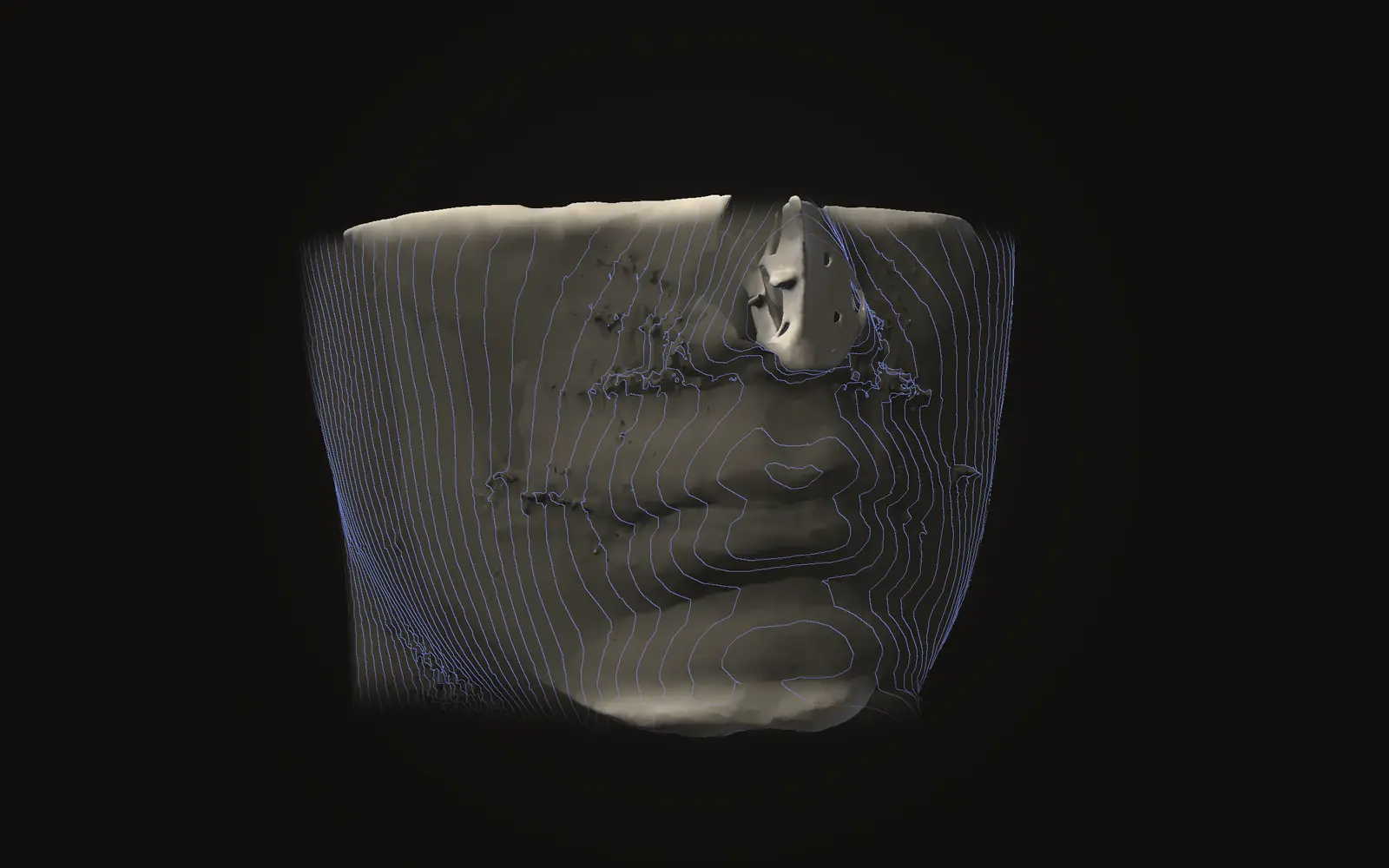
A head scan can be drawn as a 3D face, and software has matched such faces to photographs. Removing the name from the files does not remove the face.