Opening and viewing scans
Why your scan looks too bright: window and level
A scan holds thousands of grey shades and a screen shows far fewer. Window and level pick which range you see, so one slice can look washed out or dark.
How to get a CT or CBCT scan off a disc or download, open it on your own computer, and understand the views you see.
Most people first receive a scan on a disc or through a download link, often as a zip file. Start with the files, then find a free way to open them and understand the three slice views and 3D view. You do not need to know DICOM.
Opening and viewing scans
A scan holds thousands of grey shades and a screen shows far fewer. Window and level pick which range you see, so one slice can look washed out or dark.
Opening and viewing scans
A DICOM file holds a header of labelled attributes and then the pixel data. The header carries the voxel size, and it can also carry a name.
Opening and viewing scans
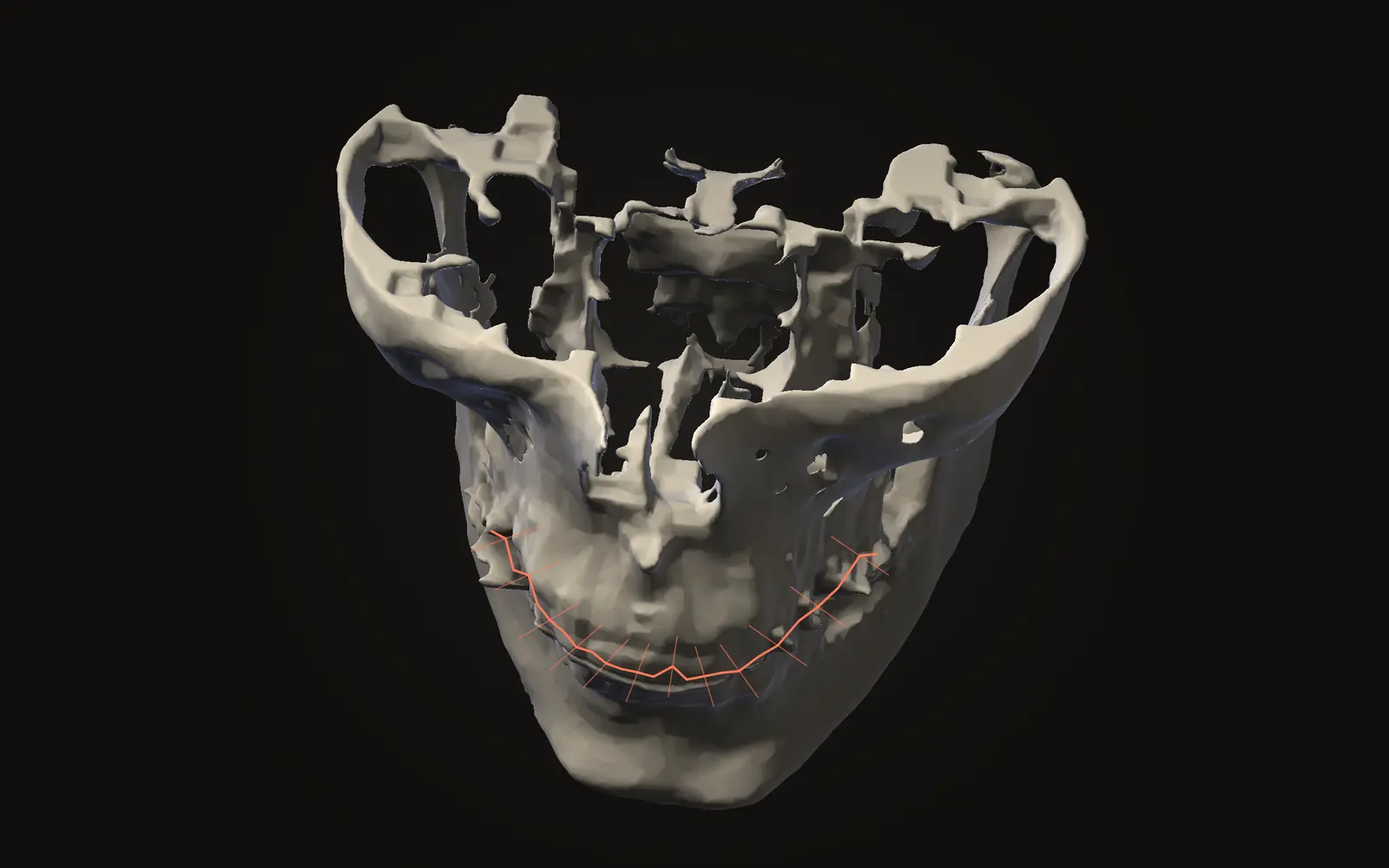
A panoramic image made from a CBCT is a curved slice computed from the scan, not a second X-ray. Four studies show how its measurements compare.
Opening and viewing scans
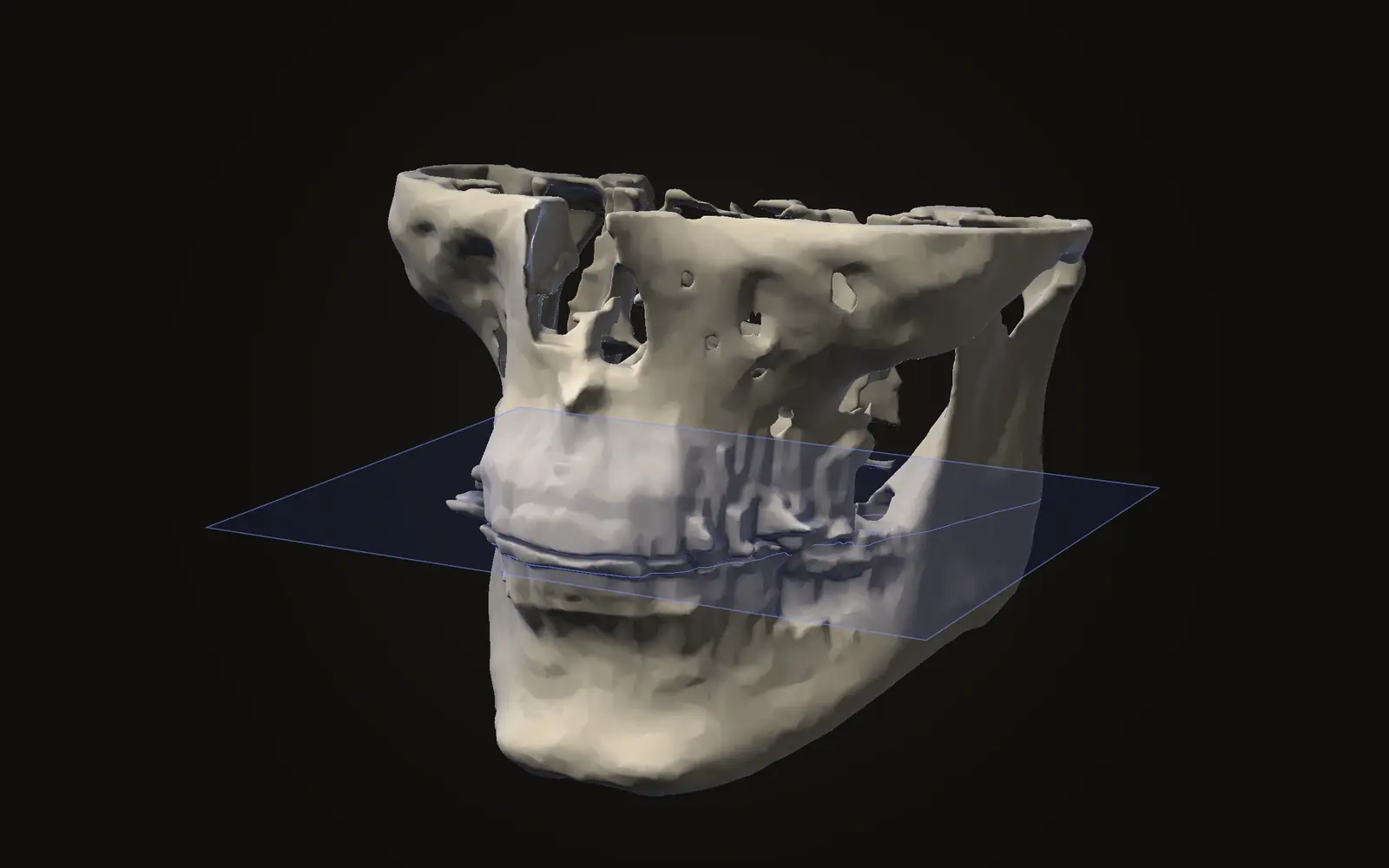
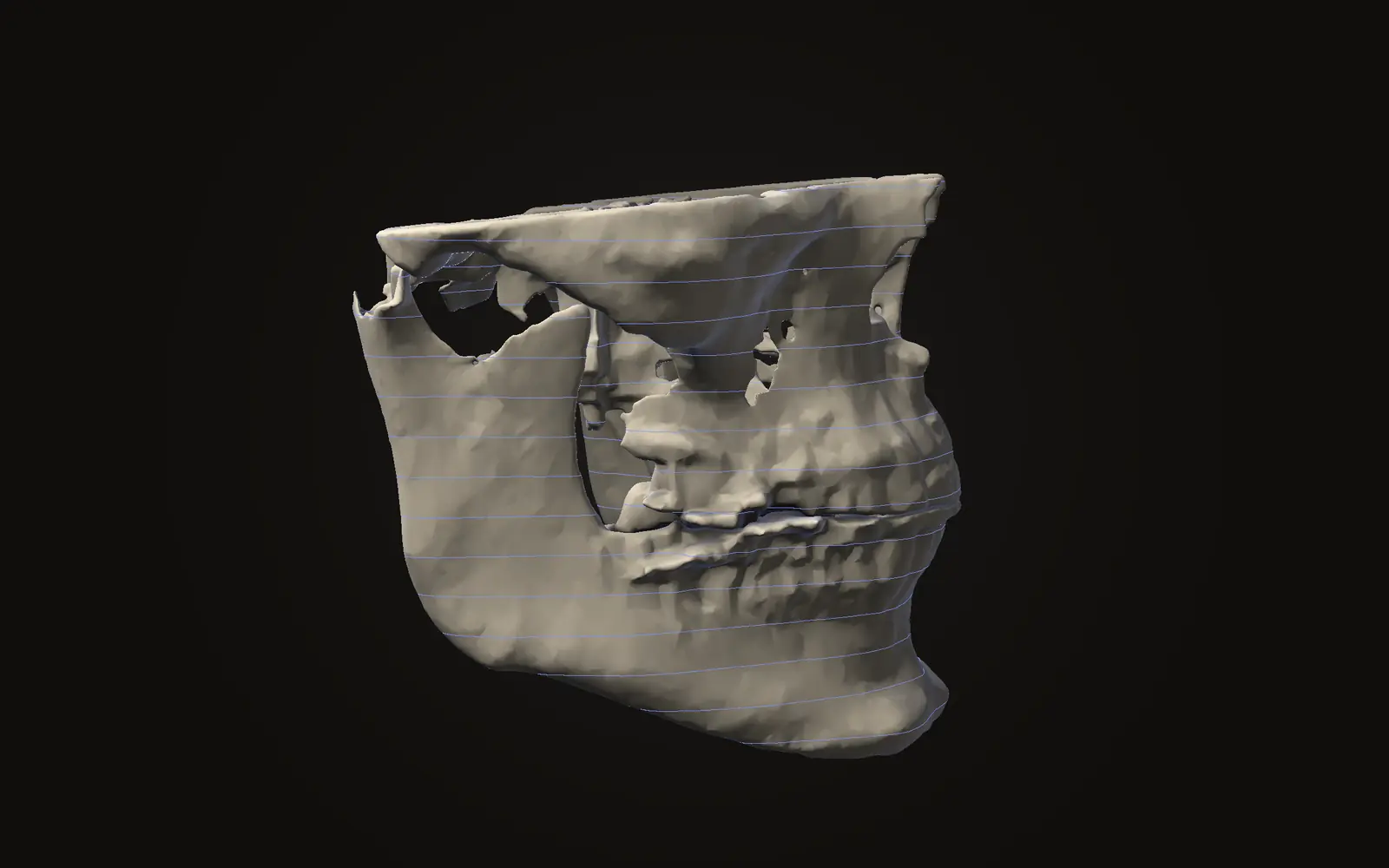
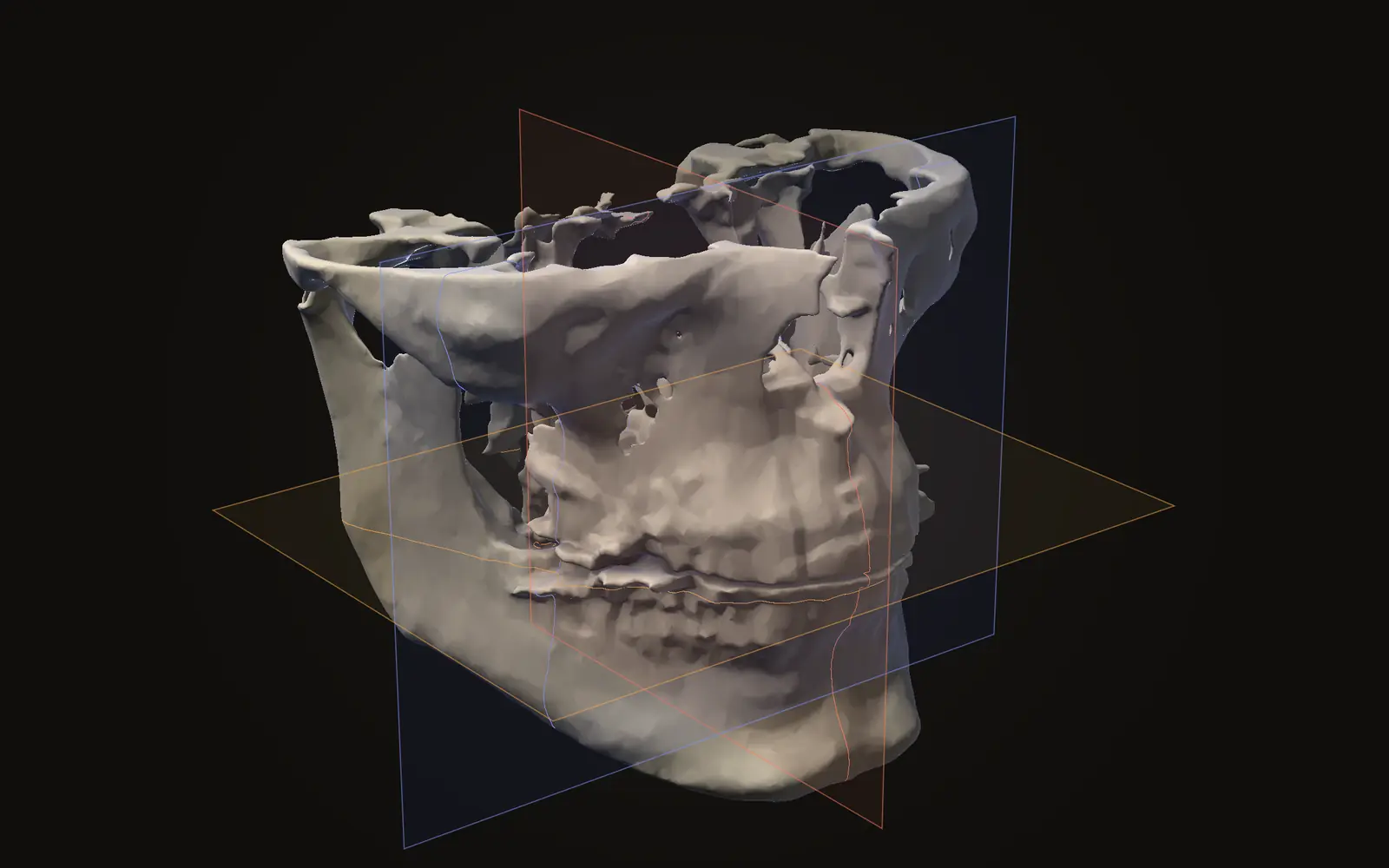
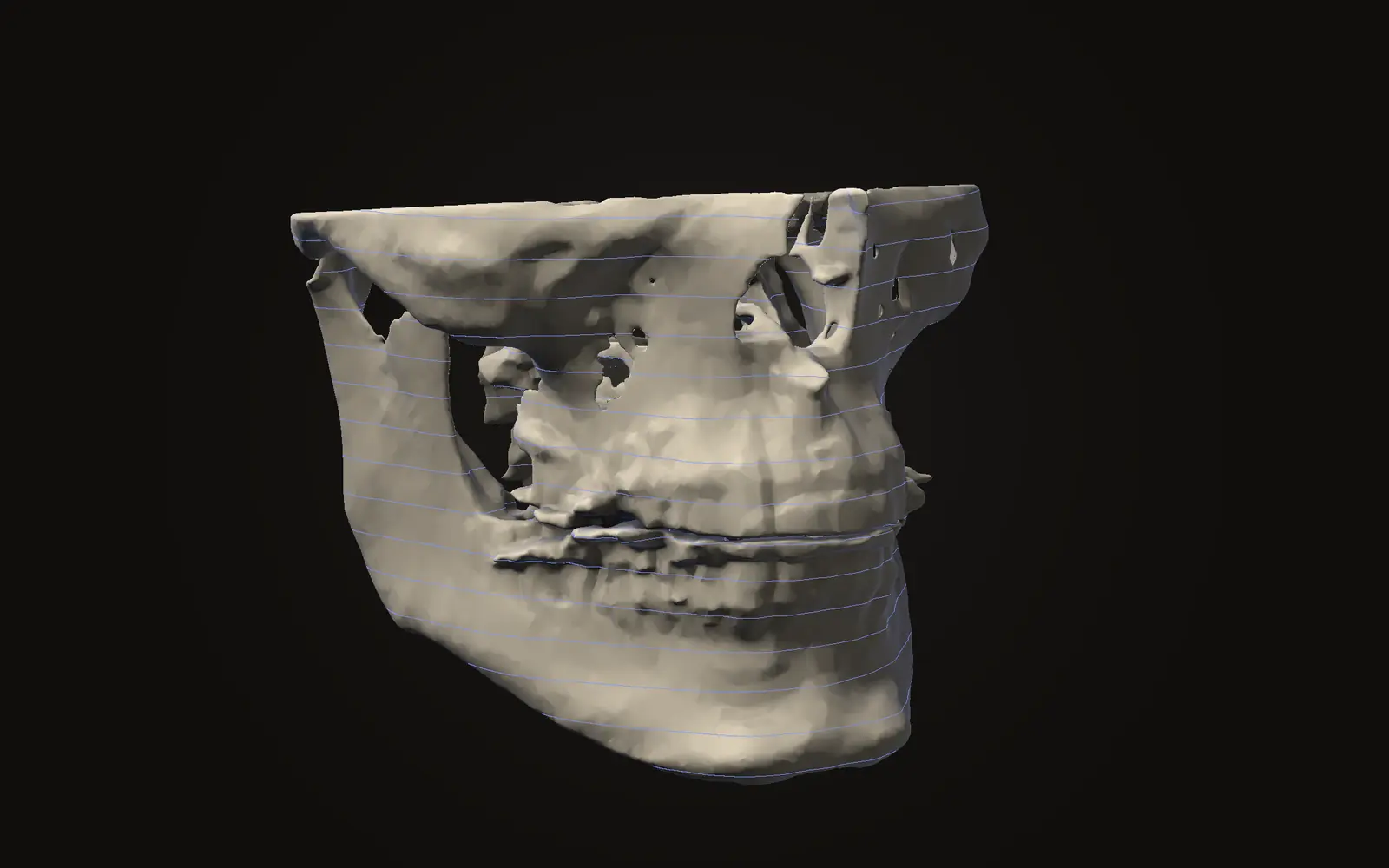
Axial, coronal and sagittal are three slice directions through one scan. See what each shows of the jaw and how the views fit together.
Opening and viewing scans
Where the scan files are on the disc, why they have no extension, what DICOMDIR is, and how to open the scan on your own computer without uploading it.